Regular trade reorders
Store the master logo and agreed physical sizes so future sheets match earlier artwork.
Prepare DTF repeat orders from saved approved print-ready artwork. Keep a record of film type, sheet dimensions, quantities and original print sizes to reduce mistakes on staff, club and reseller reorders.
Print-ready designs · UK delivery or eligible Washington collection · Transfers only
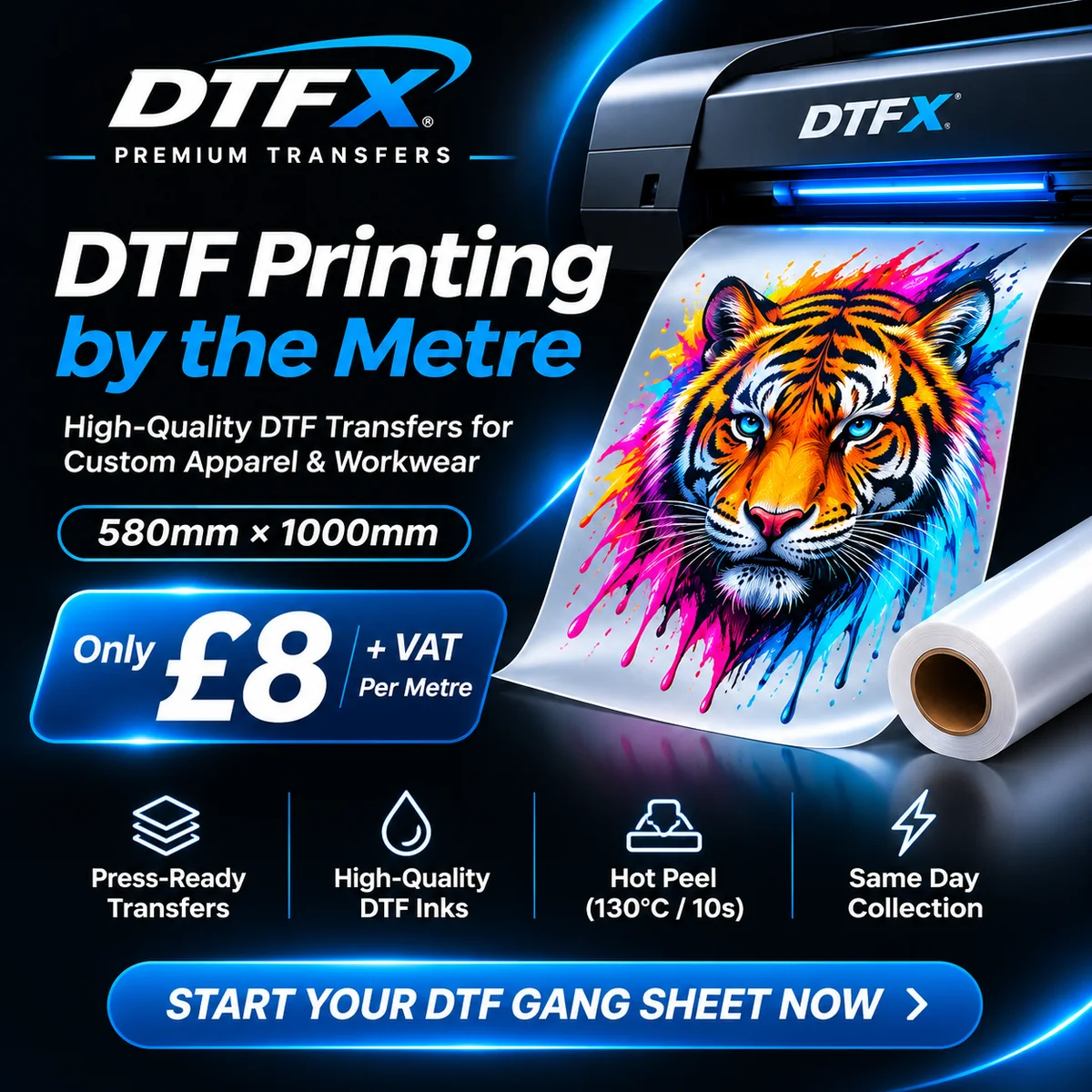
DTF transfers are for compatible fabric and require heat pressing. The artwork needs to be ready to print at the physical dimensions you intend to apply.
Store the master logo and agreed physical sizes so future sheets match earlier artwork.
Recreate confirmed chest and back layouts for new garments without enlarging files arbitrarily.
Check names, dates and sponsor marks again, even when using a previous layout.
| Check | Practical guidance |
|---|---|
| Approved artwork version | Keep source and print-ready exports organised with version dates and product identifiers. |
| Film choice | Confirm DH Special, standard Kodak inks or Kodak Premium film as appropriate; don’t assume identical film settings. |
| Quantities and dimensions | Recheck every finished-size logo and number of printed sheet copies. |
| Supplier and garment changes | A new blank or fabric batch still needs suitability checks even if the printed graphic is the same. |
Compare the current pricing, available sizes and film-specific instructions on the live product page. DTFX prints customer-supplied artwork, not finished clothing.
580 × 1000mm ready-to-press sheets with Kodak DTF inks.
View current product details →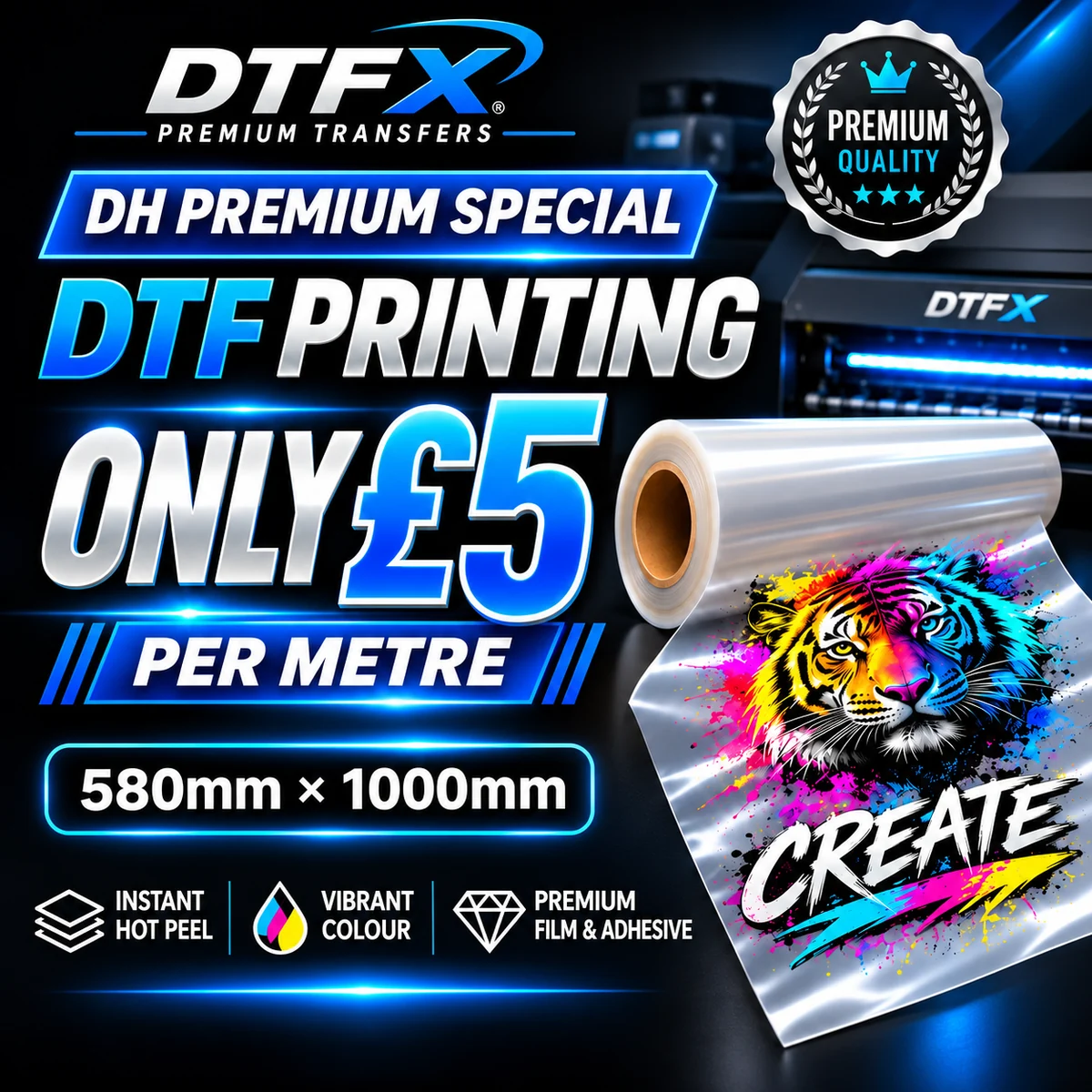
Separate DH instant hot-peel film option; check live pricing and garment compatibility.
View current product details →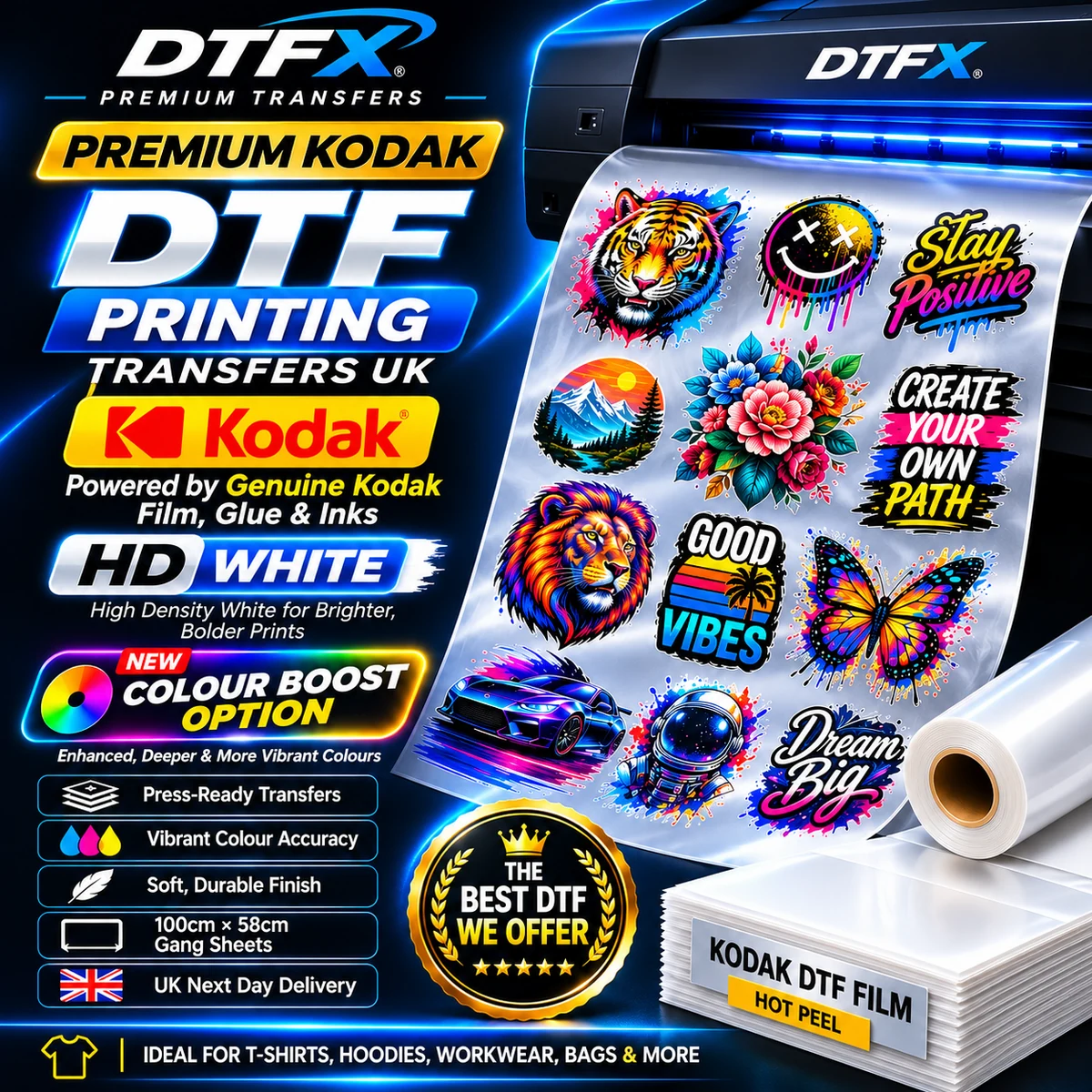
Compare film-specific quality and pressing instructions before ordering.
View current product details →Choose compatible fabrics and confirm actual placements.
Proofread every design and measure its finished size.
Export a completed 580mm × 1000mm layout with cutting gaps.
Order the correct film and test the chosen heat-press process on a sample.
Yes, if the saved file remains correct, print-ready and matches the current product’s dimensions and specifications.
Do not rely on automatic artwork retrieval. Upload the intended approved layout for the new order or contact DTFX about any special workflow.
Yes. Confirm the actual film type and use its specific pressing instructions, especially if the garment or film has changed.
Yes. Arrange each finished-size print on a 580mm × 1000mm artboard with adequate trimming gaps and export a completed print-ready layout.
No. Standard DTFX printed transfer products provide heat-press film only; compatible garment blanks and the application service are separate.
Follow the specific film’s recommended time, temperature, pressure, peel and finishing instructions. Test the actual fabric before a production run.
Prepare the approved gang sheet, check garment compatibility and order ready-to-press DTF transfer film.